 04 June 2026
 Share
Share
1

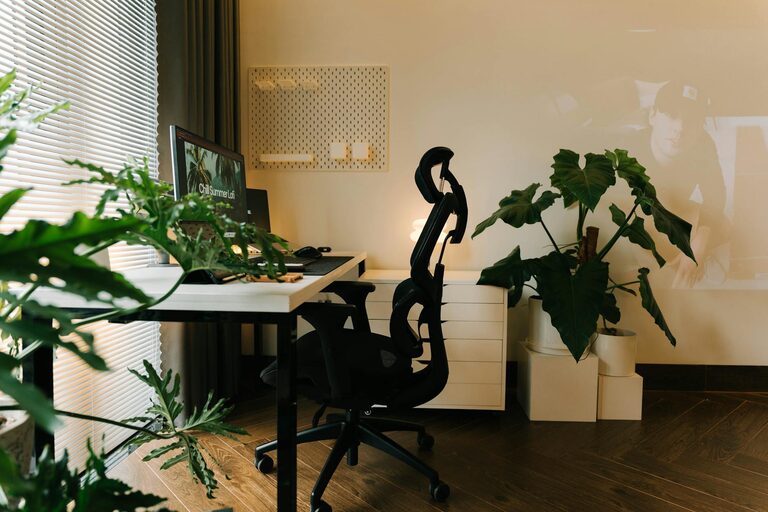
Working from home has become a regular part of life for many people, and having a dedicated home office space is essential for both comfort and productivity. The ideal space allows you to focus while feeling relaxed, blending functionality with a cosy atmosphere. Whether you’re starting from scratch or refreshing an existing area, these tips will help you create a home office that works for you.
Natural light can boost mood and reduce eye strain. If possible, set up your desk near a window to enjoy daylight. Avoid glare on your computer screen by positioning it perpendicular to the window.
Select a quiet corner or room away from high-traffic areas. This separation helps create boundaries between work and home life, making it easier to concentrate.
Make sure the space fits your needs. You’ll need enough room for your desk, chair, computer, and any other equipment. Plan your layout to allow easy access to everything without clutter.
A good chair supports your posture, reducing strain and discomfort. Look for adjustable features like seat height, back support, and armrests to tailor it to your needs.
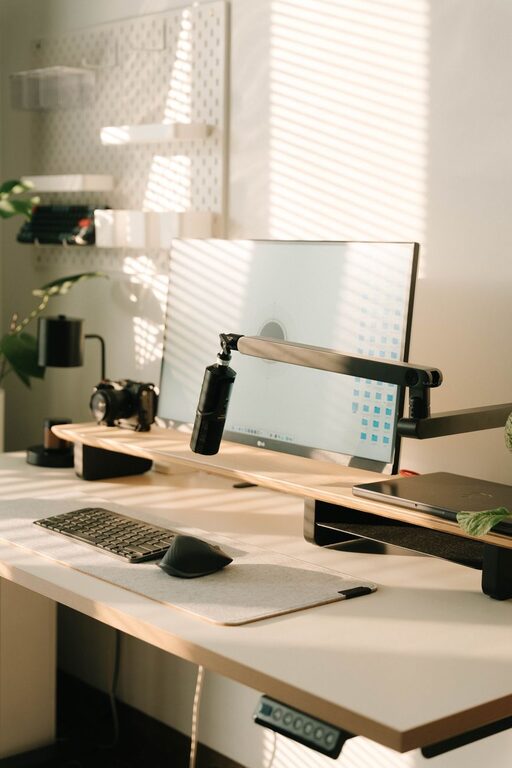
Choose a desk with enough surface area for your essentials. If standing is more comfortable for you at times, consider a sit-stand desk or a desktop converter.
Keep your workspace tidy with shelves, drawers, or organisers. Proper storage prevents clutter and helps you find what you need quickly.
Add elements that make you feel at home, such as photos, plants, or artwork. These touches create a welcoming environment that can reduce stress.
Incorporate soft furnishings like a rug, cushions, or a throw. These add warmth and comfort, making your workspace more inviting.
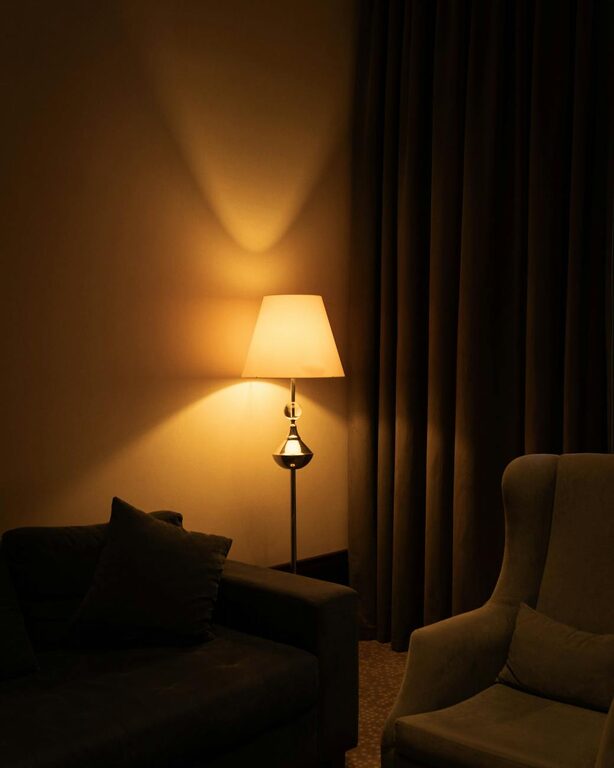
Balance natural light with soft artificial lighting to avoid harsh shadows or glare. Desk lamps with adjustable brightness can be especially useful.
Have the tools and materials you frequently use within easy reach. This reduces interruptions and keeps your workflow smooth.
Regularly clear your desk to maintain focus. Use cable organisers to manage wires and keep surfaces clear.
Establish clear working hours and communicate these to those you live with. This helps maintain work-life balance and minimises interruptions.
Ensure your internet connection is stable and your devices are up to date. Slow or outdated technology can hinder productivity.
If background noise is an issue, use noise-cancelling headphones or white noise machines to maintain concentration.
Have spare batteries, chargers, or a surge protector handy to avoid unexpected disruptions.
Spend a few minutes each day organising your space. A clean desk fosters a clear mind.
Periodically assess your setup. As your needs change, be open to rearranging or upgrading your office.
Include a water bottle, healthy snacks, or a small plant to promote wellbeing throughout the day.
—
Creating a cosy and productive home office is about balancing comfort with efficiency. By choosing the right location, investing in ergonomic furniture, personalising your space, and keeping organisation and technology in check, you can build a workspace that supports your best work. Remember, a well-designed home office not only boosts productivity but also enhances your overall wellbeing.